Meal plans & nutrition
Meal plans in minutes
Create plans your way, then compare targets with what your client actually logs.
AI Meal Planner
Set calories, macros, meal split, diet type, cuisine, allergies and ingredients to use or avoid, and get options for every meal.
Upload your PDF plan
Already have plans you like? Upload the PDF and it becomes meals your client can follow in the app.
Ingredient-level macros and automatic fibre
Build plans at the ingredient level, with fibre added up for you.
Per-client targets vs weekly averages
Set each client's calories, macros, water and steps, and see their weekly averages for calories, macros and steps against them.
Check-ins
Check-ins built for nutrition
Ask the right questions every week and review everything in one inbox.
Custom questionnaires
Build check-ins around hunger, energy, digestion and adherence, using short text, scales or star ratings for whichever question type fits.
Progress photos
Review progress photos alongside every check-in, and compare a client's photos over time in a downloadable collage.
Weight and body fat next to answers
See weight, body fat, sleep and steps side by side with each client's answers, sorted into needs review, reviewed and awaiting.
Client data
Data you don't have to ask for
Data your clients log or sync from Apple Health and Health Connect, without asking them to fill in a form.
Synced weight, sleep, steps and more
Weight, sleep, heart rate, steps and more sync from your client's phone through Apple Health or Health Connect, alongside the body measurements they log.
Trends over 30/60/180 days
See trends over 30, 60 or 180 days without asking your client to fill in a form or remember a number.
Chat & notifications
Coach between check-ins
Stay close to your clients without living in your DMs.
Client chat
One-to-one chat with every client, with unread counts so nobody slips through.
"Needs you" list
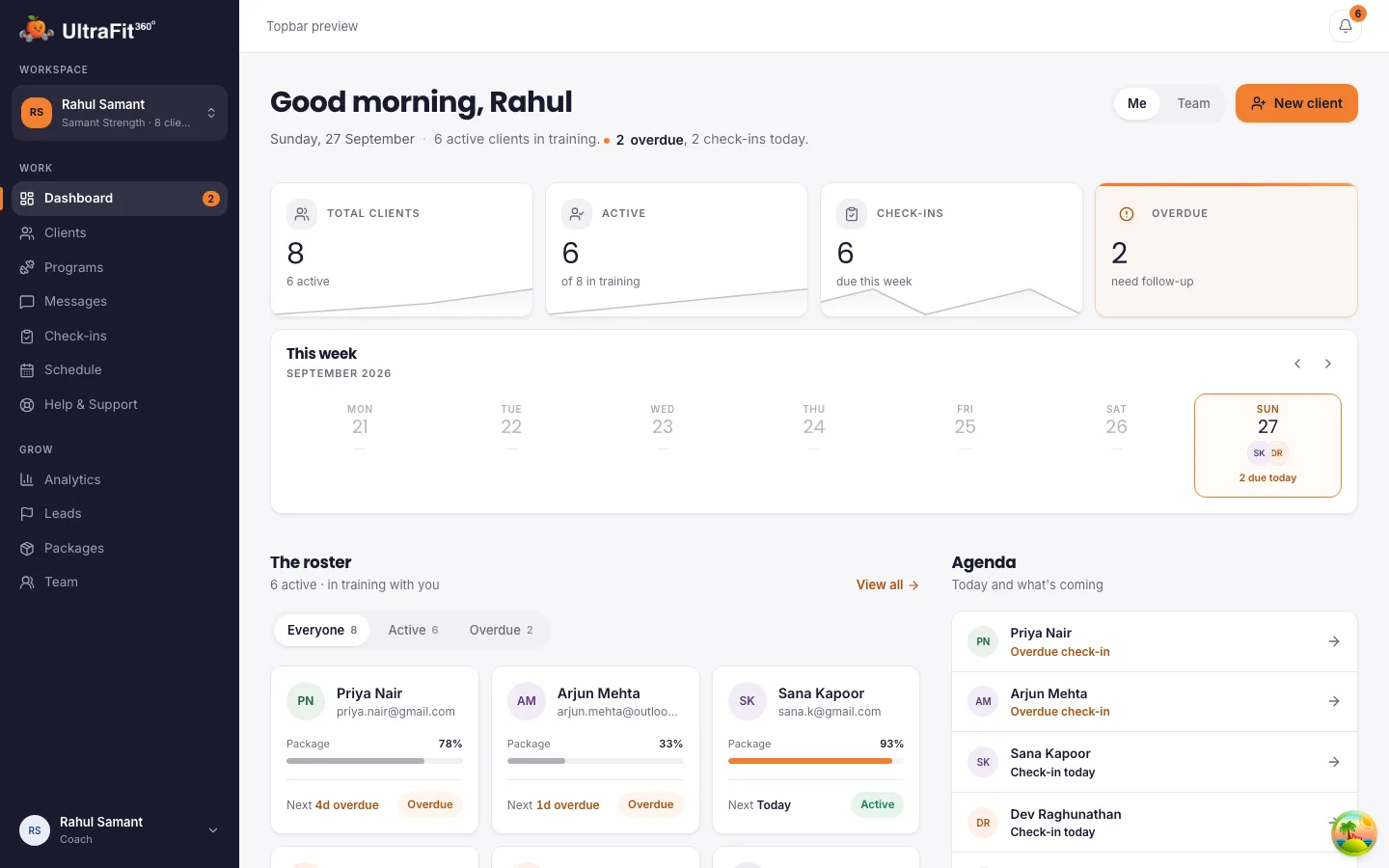
See overdue check-ins, check-ins to review and new messages, all in one place.
How it works
From a plan to a client who sticks to it
Three steps to go from targets to results you can actually see.
1. Generate or upload a meal plan
Build a plan with the AI Meal Planner from calories, macros, meal split, diet type, cuisine and allergies, or upload a PDF plan you already use and it becomes meals your client can follow in the app.
2. Set calorie, macro, water and step targets
Set each client's calorie, macro, water and step targets individually, so their plan reflects their goal and not a generic template.
3. Review weekly check-ins and adjust
Compare what they actually logged, weekly averages for calories, macros and steps, against the targets, then adjust the plan before the next check-in.
Why coaches move off spreadsheets and chat apps
The problems a spreadsheet-and-chat setup creates
Nutrition coaching built on a spreadsheet of macros and a chat thread for food logs breaks down once you have more than a couple of clients to track.
Food logs scattered across chats
Clients log meals by photo or text in one app, so you're not piecing together food logs from screenshots and messages.
Plans in PDFs nobody reopens
Upload the PDF plan you already like and it becomes meals your client can follow and log against on their phone, not a document they open once.
Targets nobody checks against reality
Weekly averages for calories, macros and steps sit right next to the targets you set, so drift shows up before it becomes a pattern.
Missed check-ins
Scheduled check-ins go out automatically every week and land in one inbox, so nothing depends on you remembering to chase each client.
Client data
They keep their food logs and weight history
When your coaching ends, their food logs, weight and progress photos stay in their app and the free AI coach takes over. Their health data stops being shared with you, so clients can sign up knowing their history is theirs.
Frequently asked questions
Can I use my existing meal plans?
Yes. Upload the PDF and it becomes meals your client can follow in the app.
Do clients log food in the app?
Yes. They log meals by photo or text and you see weekly averages against the targets you set.
Is it free?
Yes, today. Paid plans launch in January 2027. The first 250 coaches and teams stay free for 12 months after launch; every other coach gets 6 months free from launch.
What happens to my client's data when coaching ends?
Their history stays with them: their food logs, weight and progress photos remain in their app, which switches back to the free AI coach. You lose access to their health metrics and keep only a read-only view of the check-ins you already reviewed.
Can I set custom macro or calorie targets per client?
Yes. Set each client's calories, macros, water and steps individually, then compare their weekly averages against those targets.
Start coaching nutrition on UltraFit360 today
Free today, with a founding offer into 2027. Set up in minutes.