Lead management
Turn followers into clients
A lead page built for online coaches, with a pipeline that follows every enquiry through to a signed client.
Your lead page
Your own page at ultrafit360.com/l/yourname, showing your photo, specialties and services.
Know who you're talking to
Every enquiry tells you their goal, activity level and whether they prefer email, phone or WhatsApp.
Follow up properly
Move each lead through New, Contacted, Converted or Archived, with notes on every one.
Convert in one click
Turn a lead into a client and their details carry straight into onboarding.
Scheduling & booking calendar
Book intro calls automatically
A booking page that runs on the hours and rules you set.
Your booking page
Share ultrafit360.com/book/yourname and prospects see open slots in their own timezone.
Your rules
Choose 15 to 60-minute calls, 0 to 48 hours notice, and how far ahead people can book, from 7 to 30 days.
Blocks for time off
Block a time range or a whole day whenever you're unavailable.
Offer a call from your lead form
Offer a free intro call right after someone fills in your lead form.
Check-ins
Weekly check-ins that run themselves
Ask the right questions every week and review everything in one inbox.
Scheduled questionnaires
Send check-ins every week automatically, built with the answer types you need.
Photos and metrics beside the answers
Progress photos, weight and body fat sit next to each client's answers.
Feedback straight to their messages
Send your feedback directly to the client's messages, or keep a private note.
Workout programs
Programs they can follow on their phone
A program builder made for coaches, with an exercise library your clients can follow on their phone.
Builder with warmup/main/cooldown
Structure every day into warmup, main work and cooldown.
Exercise demos
Library exercises come with demo animations, so clients know exactly what to do.
Assign and tailor
Assign a template, then adjust it for one client.
Set-by-set logs with RPE
See their logged sessions set by set, with volume and RPE.
How it works
From a follower to a paying client
Three steps, no spreadsheet, no separate booking tool.
1. Share your lead and booking links
Put your lead page and booking page in your bio, stories and DMs. Prospects tell you their goal and activity level before you ever get on a call, and pick a call time that suits their own timezone.
2. Onboard with a package and check-in day
Once they're ready to start, enter their email, pick a package and set their weekly check-in day. New clients get an invite to the free app; people already on UltraFit360 get an in-app request to approve. Their plan end date is set for you.
3. Coach through programs, meal plans and weekly check-ins
Build or assign their program and meal plan, then review what they log each week, photos, weight and answers, in one inbox instead of switching between apps.
Why coaches move off spreadsheets and chat apps
The problems a spreadsheet-and-DMs setup creates
Most online coaches start with a spreadsheet for programs, a messaging app for check-ins and a separate link-in-bio tool for leads. It works until you have more than a couple of clients.
Enquiries scattered across DMs
A lead page and a pipeline mean every enquiry lands in one place, with a status, instead of buried in your inbox or story replies.
Plans in PDFs nobody reopens
A program and meal plan your client can open on their phone and log against beats a PDF they screenshot once and forget.
Check-ins that rely on someone remembering
Scheduled check-ins go out automatically every week, so nothing depends on you remembering to message each client.
No single view of who needs you
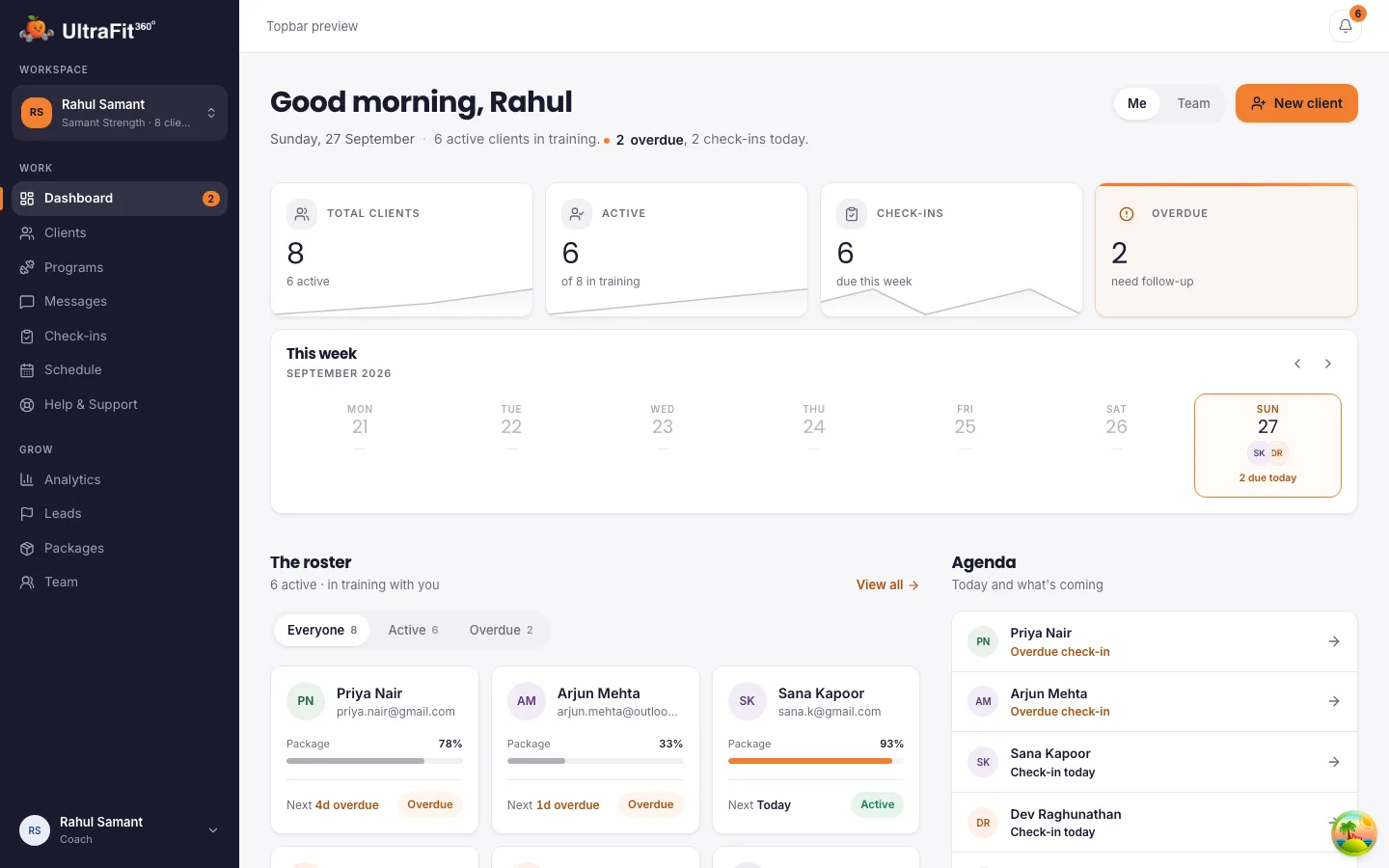
A roster that flags who's active, due, overdue or pending replaces scrolling back through old chat threads to see who's behind.
Client data
They keep their progress
When your coaching ends, their workouts, meals, weight and photos stay in their app and the free AI coach takes over. Their health data stops being shared with you, so clients can sign up knowing their history is theirs.
Frequently asked questions
Can I run my whole online coaching business on UltraFit360?
You can capture leads, book calls, onboard clients, deliver programs and meal plans, and run weekly check-ins. You agree and collect your coaching fee with clients directly.
How do prospects find my lead and booking pages?
Share your links in your social bios, stories and messages. Each page shows your photo, specialties and services.
Is it free?
Yes, today. Paid plans launch in January 2027. The first 250 coaches and teams stay free for 12 months after launch; every other coach gets 6 months free from launch. Your clients use the UltraFit360 app on iOS or Android.
What happens to my client's data when coaching ends?
Their history stays with them: their workouts, meals, weight and photos remain in their app, which switches back to the free AI coach. You lose access to their health metrics and keep only a read-only view of the check-ins you already reviewed.
Can clients book a call with me before signing up?
Yes. Share your booking page and they pick a slot in their own timezone based on the hours you've set, including a free intro call offered right from your lead form.
Start online personal training on UltraFit360 today
Free today, with a founding offer into 2027. Set up in minutes.