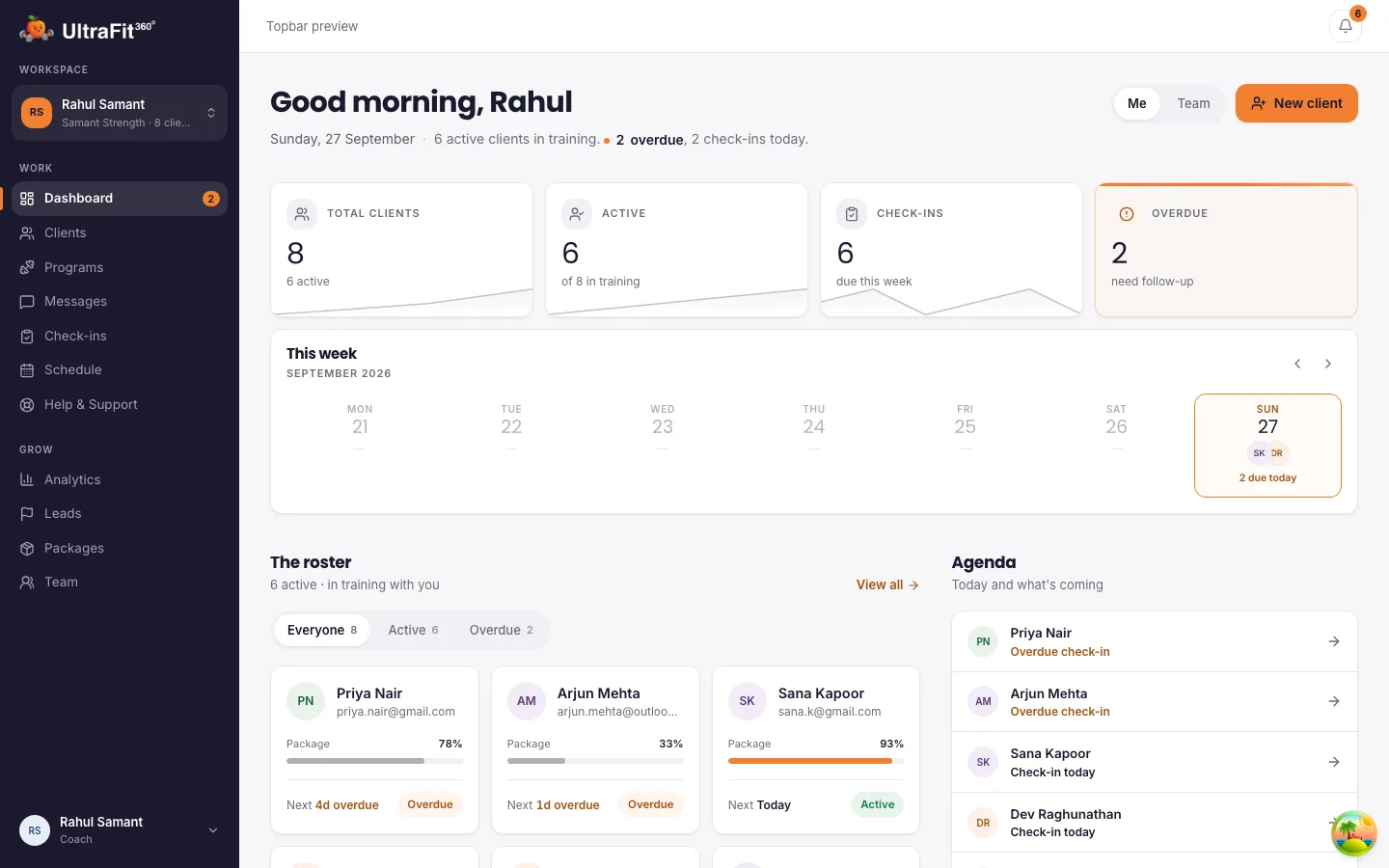
Booking page
A booking page that follows your hours
Share ultrafit360.com/coaches/yourname/book and prospects pick from open slots.
Your weekly hours
Add several time windows per day, then copy a day's hours to the rest of the week.
Time off, blocked
Block a time range or a whole day for holidays, sessions or anything else.
Your rules
Choose 15, 30, 45 or 60-minute calls, a minimum notice from 0 to 48 hours and a booking window of 7, 14, 21 or 30 days.
Their timezone
Prospects see open slots in their own timezone, which helps if you coach people in other countries.
Open or invite-only
Let anyone with the link book, or switch to invite-only and send single-use invite links, optionally locked to one email address.
Confirm and cancel
Prospects confirm their booking by email and can cancel from their confirmation link. You can cancel with an optional reason.
Your calendar
See the week and what each call is for
A week view of your hours, blocks and bookings.
Week calendar
See every booked call in a week view, with last week for follow-up and next week for planning.
Linked to the lead
Each booking shows against the lead it came from, with their goal and preferred contact method.
Intro calls from your lead form
Offer a free intro call as soon as someone fills in your lead form.
Client check-ins
Weekly check-ins on a schedule
Recurring contact with clients is scheduled for you.
A check-in day per client
Set each client's check-in day when you onboard them. Questionnaires go out every week automatically.
Or send one right now
Push a one-off check-in whenever you need an answer between the weekly ones.
Programs by week and day
Build programs in weeks and days so clients know what to train on each day of their own schedule.
Limits
What it does not schedule today
Be sure this fits before you move your diary.
Not a session or class timetable
It books calls with prospects. It does not manage recurring in-person sessions, group classes, room or equipment bookings.
No calendar sync
Bookings live in your UltraFit360 calendar. There is no sync to Google, Apple or Outlook calendars today.
No billing
There is no client billing, so session packages are recorded as packages, not charged.
How it compares
Compared with Everfit, TrueCoach and Trainerize
What each tool lists for booking, from their own pages. Checked on 15 November 2026 on each vendor's own pricing page.
UltraFit360
Booking page, weekly hours, time-off blocks, invite-only links and a week calendar, free today. Calls with prospects only.
Everfit
Booking & Scheduling is listed from the Pro plan, from $19/month for 5 clients billed monthly. Starter (free, up to 5 clients) does not list it.
TrueCoach
No booking or scheduling tool is listed on its features or pricing pages (checked 9 October 2026). Plans start at $26.34/month.
Trainerize
Appointments and classes are listed from the Pro plan (from $23/month for 5 clients). Shareable booking links and prospect scheduling are in the Business add-on at $25/month.
Sources: everfit.io/pricing, truecoach.co/pricing, trainerize.com/pricing. Full comparison: Best personal trainer apps.
Client data
They keep their progress
When your coaching ends, their workouts, meals, weight and photos stay in their app and the free AI coach takes over. Their health data stops being shared with you, so clients can sign up knowing their history is theirs.
Frequently asked questions
Can clients book recurring training sessions with me?
Not today. The booking page is for calls with prospects, such as an intro call. Your clients' ongoing contact runs through weekly check-ins and chat.
Does it sync with Google Calendar?
No. Bookings appear in your UltraFit360 calendar and in the booking confirmation email, but there is no calendar sync today.
Can people in other timezones book?
Yes. Prospects see open slots converted to their own timezone, based on the hours you set in yours.
Can I stop strangers booking?
Yes. Switch the booking page to invite-only and send single-use invite links. If you add an email, only that email can use the link.
What happens when a prospect cancels?
They cancel from the link in their confirmation, and the slot opens again. You can also cancel a booking yourself with an optional reason.
Is it free?
Yes, today. Paid plans launch in January 2027. The first 250 coaches and teams stay free for 12 months after launch; every other coach gets 6 months free from launch. Your clients use the free UltraFit360 app on iOS or Android.
Try it with your next client
Free today, with an early bird offer into 2027. Set up in minutes.