💡 Key Takeaways
- Watch one number across the chaos: resting heart rate trend. It's the most reliable metric your device produces and the best early flag for travel-driven under-recovery.
- The 'calories burned' figure is the least accurate output — never run a diet deficit off it between client dinners.
- HRV is real but noisy; read it against your own rolling baseline, not a single jet-lagged morning or a peer's Whoop screen.
- Pick one source per metric so a phone, Watch, and a third app don't triple-count the same hotel-gym session.
It's 6:10 a.m. in a hotel three time zones from home. You slept five hours, your Oura readiness is red, your Garmin says one thing and the hotel-gym treadmill says another, and you have eleven minutes before the first call to decide whether to train hard, train easy, or skip it. This is where most data-driven plans collapse — too many numbers, no rule for acting on them under fatigue.
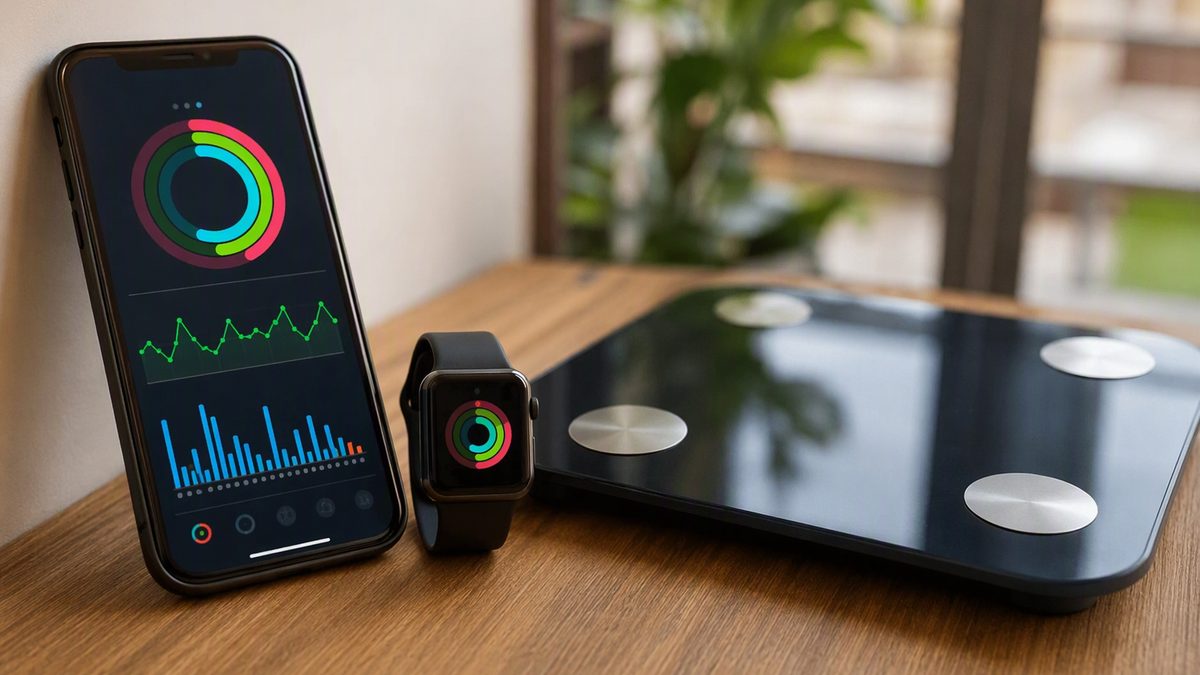
Apple Health solves the consolidation problem: it's the on-device hub that pulls your Watch, your Oura or Whoop data, and your apps into one timeline. But consolidation isn't interpretation. With decision fatigue already maxed, the worst thing you can do is open a dashboard of a dozen metrics and react to whichever looks alarming.
What you need is a default rule: one trustworthy metric, read as a trend, that survives airports and time zones and tells you when to push and when to back off. This guide builds that rule into your actual week.
1. Where Health Data Fits in a 60-Hour, Multi-Timezone Week
The mistake executives make with wearables is treating every morning's number as a verdict that demands a decision. You already make hundreds of decisions a day; adding 'interpret my HRV from scratch' at 6 a.m. is a reliable way to either ignore the data or overreact to it. The fix is to pre-decide. You set the rule once, and the data just triggers it.
Here's the placement logic across a typical week. The morning block before the first call is your most defensible training window because nobody schedules against 6 a.m. Your wearable already captured the relevant data overnight — resting heart rate, HRV, sleep — so by the time you're up, the read is done. You don't measure in the moment; you glance at the trend and execute. On travel days, the data still flows through Apple Health via iCloud once your devices sync, so your Frankfurt watch reading sits in the same timeline as last week's reading from home. The continuity is the point: it's why a trend survives a schedule that nothing else does. The one habit that makes this work is opening your syncing apps periodically, since Health lives on-device and a metric can lag until an app next pushes its data.
2. The One-Metric Rule: Resting Heart Rate Through the Chaos
If you watch a single number, make it resting heart rate, captured overnight. It is the most reliable thing your device measures, it needs zero effort, and it's the cleanest early-warning flag for the exact stressors your job piles on — short sleep, time-zone whiplash, alcohol at client events. The rule below is your default; the table makes it executable anywhere.
| Situation | What the trend shows | Default action that week |
|---|---|---|
| Home, well-slept | Resting HR at or below baseline; HRV near rolling average | Green light — schedule your one genuinely hard session this week |
| Travel day, one time zone | Resting HR up 2-4 bpm; one poor night | Easy session only; don't read the single morning as a trend yet |
| Long-haul, jet-lagged | Resting HR up 5+ bpm for 2-3 days; HRV suppressed | Recovery mode — easy movement, prioritize sleep, no intensity |
| Morning after client dinner | Resting HR elevated, HRV down, lighter sleep | Skip metrics-based decisions; easy 25-30 min is fine and mildly restorative |
| Back home, 3-4 days settled | Resting HR returning toward baseline | Resume normal programming; trend, not the digit, confirms recovery |
| Annual executive physical | Months of resting HR trend available | A falling baseline corroborates improving fitness; bring it to the appointment |
The discipline this enforces: a single elevated morning is noise — hydration, a flight, one bad night all move it. Three or more days above baseline is signal. Act on the line, never the dot.
3. Why the Calorie Number Can't Survive Your Client Dinners
The temptation, for results-driven people, is to manage body composition by the numbers — run a precise deficit off the watch's 'calories burned' and 'eat back' what you earned. Don't. Energy expenditure is the single weakest output a consumer tracker produces; criterion testing found it estimated poorly, with large error, and wearable reviews echo that algorithm-based calorie figures carry substantial uncertainty. A reading of 600 active calories could really be 450 or 780.
For your life specifically, that error compounds with variables the watch can't see: alcohol at business events, irregular meals, the stress eating that follows a brutal travel week. Building a precise diet on a figure that's already a wide guess, layered on top of unmeasured intake, is how executives end up frustrated that 'the math doesn't work.' Use the calorie number only for relative comparison — was today more active than yesterday? — and manage body composition through consistent habits instead: a default meal approach that survives client dinners, protein anchored at each meal, and the resting-heart-rate trend as your recovery gauge. The watch is a fitness instrument, not a metabolic ledger.
4. Setting Up Apple Health So Oura, Whoop, Watch and Apps Don't Fight
Executives often run multiple premium devices — an Oura ring, a Whoop, an Apple Watch, a Garmin — plus apps, all writing to Health. Without a hierarchy, they double- and triple-count, and your totals become fiction. Two rules fix nearly everything.
- One source per metric. Decide which device owns each number — say, the Watch for activity and heart rate, Oura for sleep and HRV, one app for nutrition — and don't grant write access for the same data type to redundant apps. Apple Health de-duplicates its own paired devices, but third-party apps writing overlapping data still create duplicates.
- Grant reads up front. If a connected app shows 'no data,' it's almost always a missing permission. For privacy, iOS won't tell the app it was denied — a blocked read just looks empty — so granting the right read types up front prevents the 'it won't sync' panic on the road.
- Open apps to flush data. Health is on-device; an app must usually be opened for recent data to push, so build a 30-second sync into your morning glance.
- Verify each new connection. After linking a device in a hotel, confirm today's steps or last workout actually appear in Health before trusting it.
- Prune permissions. Periodically review Settings > Health and revoke access for apps you no longer use — sensible privacy hygiene for sensitive data.
If you're rationalizing your stack, our fitness apps guide helps you cut redundant apps that fight over the same Health data.
5. Turning the Trend Into a Default You Don't Have to Think About
The endgame is autoregulation without deliberation. HRV-guided training — easing intensity when recovery markers are suppressed and pushing when they rebound — can match or beat fixed plans in trained people. For you, that research translates into one habit: the wearable tells you which kind of week to have, so you stop forcing a 'perfect' program through travel that won't allow it.
Make it concrete. Your one hard session lands only on a green week — home, slept, resting heart rate at baseline. Everything else defaults to easy movement, which is exactly the work that's still appropriate on a red-flagged, jet-lagged day. This kills the all-or-nothing trap that wrecks busy professionals: you stop chasing the flawless week and start protecting a floor that survives any itinerary. And resist the real danger your context invites — stacking stimulants over sleep debt because a deadline demands it. Caffeine masks the fatigue; the resting-heart-rate trend will show the bill coming due as a baseline that won't settle. When that happens, the default is always the same: bank sleep, train easy, and let the trend, not the next espresso, make the call. One last note for your annual physical — share the multi-month trend with your clinician; a consumer ECG or VO2max estimate is a screening prompt for them, never a diagnosis you act on alone.
Apple Health Questions From the Road
What single metric should I actually watch when I'm traveling constantly?
Resting heart rate trend, captured overnight. It's the most reliable number your device produces, requires no effort, and is the cleanest flag for travel-driven under-recovery. The rule: ignore any single morning — flights and short sleep move it — and act only when it sits several beats above baseline for three or more days. That's your cue to default to easy training and protect sleep until the line settles back toward normal over a few days at home.
Does alcohol at client dinners wreck my data and my training?
It taxes the same systems you're tracking: expect an elevated resting heart rate, suppressed HRV, and lighter sleep that night. It doesn't ruin your week, but it changes the read — so don't treat the next morning's numbers as a fitness verdict. Sequence around it: an easy 25-30 minute session the morning after is fine and mildly restorative, while a hard session that day fights a recovery debt you're already carrying from the travel itself.
Can I keep this consistent across time zones?
Yes, because Apple Health stores everything in one timeline that syncs across your devices via iCloud, so a reading from a hotel sits alongside last week's from home. The continuity is what lets a trend survive travel. Anchor your routine to wake-time rather than clock-time, open your syncing apps so recent data flows, and judge progress on the multi-week line. The single jet-lagged morning is noise; the trend is what travels.
Should I run my diet off the watch's calorie count?
No. Energy expenditure is the least accurate metric your device reports, with large error, so a precise deficit built on it is built on sand — especially layered over unmeasured client-dinner intake. Use the calorie figure only to compare your own active versus quiet days. Manage body composition through consistent habits and protein at each meal, and use the resting heart rate trend, not the calorie ring, as your recovery and progress gauge.
Disclaimer: This article is for educational purposes only and is not medical advice. Consult a qualified healthcare professional before starting any supplement, nutrition, or training protocol — especially if you are pregnant or breastfeeding, under 18, taking medication, or managing a health condition.
Scientific References & Clinical Sources
- Düking P, et al. Criterion-Validity of Commercially Available Physical Activity Tracker to Estimate Step Count, Covered Distance and Energy Expenditure during Sports Conditions. Front Physiol, 2017. PMID: 29018355
- Peake JM, et al. A Critical Review of Consumer Wearables, Mobile Applications, and Equipment for Providing Biofeedback, Monitoring Stress, and Sleep in Physically Active Populations. Front Physiol, 2018. PMID: 30002629
- Plews DJ, et al. Training adaptation and heart rate variability in elite endurance athletes: opening the door to effective monitoring. Sports Med, 2013. PMID: 23852425
- Kiviniemi AM, et al. Daily exercise prescription on the basis of HR variability among men and women. Int J Sports Med, 2007. PMID: 17345075
- Schoeppe S, et al. Efficacy of interventions that use apps to improve diet, physical activity and sedentary behaviour: a systematic review. Int J Behav Nutr Phys Act, 2016. PMID: 27927218