💡 Key Takeaways
- Keep it simple: one app as your source of truth per metric, checked weekly, beats five apps and a cluttered dashboard you ignore.
- Trust steps, sleep duration, and overnight resting HR; treat the calorie estimate as a rough guess and don't build a diet around it.
- Lifting itself barely moves your step count and confuses the calorie number — log workouts as workouts and judge the gym by progress, not the watch.
- Read everything as a multi-week trend; the basics (sleep, protein, consistency) move the mirror far more than any single daily number does.
Picture a normal training week: an upper/lower or push-pull-legs split, three to five evening sessions of 45 to 75 minutes, a job and a life around it. You don't have a meet or a race — you want muscle, health, and to look better, with rules simple enough to survive a busy stretch. That's exactly the week Apple Health should fit into, quietly, without becoming another chore.
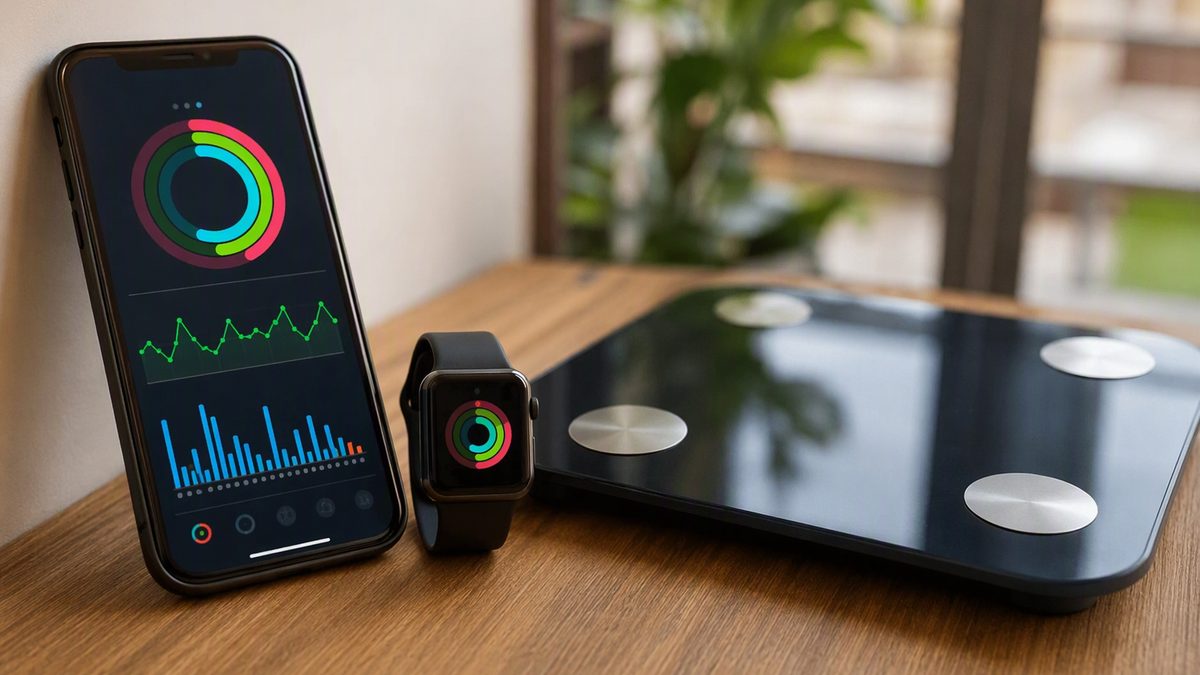
Apple Health is the iPhone's data hub. It's not a sensor — it's an aggregator that pulls steps from your phone's motion chip, workouts and heart rate from an Apple Watch, and food or bodyweight from third-party apps into one timeline, then lets approved apps read and write to it. For a recreational lifter, the value is consolidation: your training, sleep, and a couple of health trends in one place, so you can glance once a week and know whether the basics are on track.
The trap is over-engineering it. You don't need a dashboard of fifteen metrics; you need two or three honest ones slotted into your week. Here's where they fit, what to trust, and what to ignore — built around how you actually train, not how an elite athlete does.
1. Where the Data Fits in a Normal Training Week
Start with your real week, not an ideal one. On training evenings, the only data task is to log the session as a workout so it lands in Health properly tagged and timestamped. That's it; the watch won't coach your sets. The useful reading happens around the edges: a weekly glance at whether your steps, sleep, and resting heart rate are holding steady, and a check that bodyweight matches your goal.
The point of integrating this is engagement. Consistent self-monitoring is one of the strongest predictors of sticking with a routine — and for a recreational lifter, adherence is the whole game, since progress is limited far more by consistency, sleep, and protein than by programming. So the setup should make your habits visible enough to keep you honest, not bury you in numbers. One weekly look at 'are the basics on track?' beats daily obsessing. If you're trying to make the gym habit stick in the first place, our guide to building fitness habits pairs well with this kind of light tracking.
2. One Source of Truth Per Metric (The Setup That Survives Busy Weeks)
The simplest robust setup follows one rule: one source of truth per metric. Here's how the plumbing works. Third-party apps don't talk to each other — they all talk to HealthKit, and Apple Health is the shared exchange. Your watch writes activity and heart rate; one food app writes calories and macros; one scale app writes bodyweight; whatever app you actually open reads those out. Permissions are granular and split by direction, so you grant read and write per data type — give your food app write access to nutrition without letting it read your heart rate.
Pick one source per metric and the most common problem disappears: double-counting. If your phone and watch both log steps, or two apps both write workouts, your totals inflate and your trend lies. Apple Health de-duplicates same-type data from its own paired devices, but third-party apps writing overlapping data can still create duplicates — and manually logging a session an app also auto-detected is a frequent culprit. So: the watch for activity and HR, one app each for food and bodyweight, no redundant write permissions. And know the silent-permission quirk — iOS never tells an app it was denied read access, so a denied read just looks like 'no data.' If a connected app's chart is empty, grant the read types it needs rather than reinstalling. Verify any new link by checking today's steps actually show up in the Health app.
3. The Three Numbers Worth Checking (and the Ones to Skip)
You need three metrics, not fifteen. The table shows what to check weekly, plus the popular numbers a recreational lifter can safely ignore.
| Metric | Check it? | Weekly use | Caveat |
|---|---|---|---|
| Steps | Yes | Confirm daily movement isn't sliding | Lifting barely adds steps |
| Sleep duration | Yes | Protect it; biggest lever on progress | Stage percentages are rough |
| Resting HR (overnight) | Yes | Stable/falling trend = on track | Read the baseline, not one night |
| Bodyweight (scale app) | Optional | Weekly average vs your goal | Daily swings are water and food |
| Workout HR | Skip mostly | Rough effort sense only | Optical lags hard, jerky sets |
| Calories burned | Skip | Don't base a diet on it | Wide error; misleads deficits |
| Sleep stages | Skip | Ignore the breakdown | Inferred, not diagnostic |
The pattern: steps, sleep duration, and overnight resting HR are your weekly trio, bodyweight is an optional fourth, and calories and sleep-stage percentages are the seductive numbers to leave alone. Sleep duration is reliable and it's the lever that most moves your training; the calorie estimate is the weakest output the watch produces and the worst foundation for diet math. Track the three that matter and let the rest go.
4. Reading Trends, Not Daily Digits, on a Lifter's Schedule
The mindset that makes this effortless: read trends, never single days. These metrics are meant as trends for the same person on the same device — the signal is direction and stability over weeks, and any one day carries device error and ordinary noise. A bad-sleep night, a high-step Saturday, a heavy-meal weigh-in: none of those mean anything alone. The three-week direction does. That's also why you only need to look once a week — daily checking invites you to react to noise.
Two trends repay the weekly glance. Resting heart rate, captured overnight, tends to hold steady or drift down as your conditioning improves, so a stable or falling baseline is quiet reassurance the work is landing; a sustained multi-day rise can flag that you're run down, sick, or stressed — a cue to prioritize sleep before adding training. Bodyweight, if you track it, should be read as a weekly average against your goal, not a daily verdict. Keep it to these — one or two metrics read consistently beat a dashboard acted on impulsively, and no single day's number should override how your lifts actually feel or look in the mirror. For a recreational lifter the honest truth is that this data's job is small but real: keep the basics visible so you stay consistent, because consistency is what actually changes your body.
5. Common Beginner Tracking Mistakes (and the Privacy Basics)
A few errors trip up recreational lifters. Chasing the calorie number — a precise deficit off a wide-error estimate — leads to bad diet math; use bodyweight and the mirror as trends instead. App-hopping between five trackers is the digital version of changing programs every six weeks, and it fragments your data. Over-reading single days, when the value is in the trend. And mistaking the tracker for the work: no metric substitutes for sleep, protein, and showing up. Keep the setup boring and the habits consistent.
On privacy, a little hygiene goes a long way because health data is sensitive. Apple Health stores it on-device and encrypts it when iCloud sync is on, and HealthKit bars apps from using your health data for advertising or selling it. But anything exported out of Health into a third-party cloud is governed by that app's own policy, not Apple's — so grant only the data types an app genuinely needs, prune permissions periodically in Settings then Health, and revoke access for apps you no longer use. Because permissions are granular and direction-split, you can share narrowly. And keep perspective: these are wellness tools, not medical devices, so estimated calories, sleep stages, and even heart rate can be off, and any ECG or irregular-rhythm alert is a prompt to see a clinician, not a diagnosis.
What Recreational Lifters Ask About Apple Health
What's the simplest setup that won't take over my life?
One source of truth per metric, checked weekly. Use the watch for activity and heart rate, one food app for nutrition, one scale app for bodyweight, and log gym sessions as workouts. Then glance once a week at steps, sleep duration, and resting HR as trends. That's it. Avoid stacking multiple apps that write the same data — it double-counts and clutters. The whole point is making your basics visible enough to stay consistent, not building a dashboard you'll ignore.
When will the tracking actually show results in the mirror?
The data won't speed results — it just keeps you consistent, which is what changes your body. Read bodyweight as a weekly average and resting HR as a multi-week trend rather than expecting daily proof. Visible progress in the mirror tracks your adherence to sleep, protein, and training far more than anything on the watch. Use the trends to confirm the basics are holding; if they are and the mirror is lagging, give it weeks, not days, before changing anything.
Do I need to track my workouts on rest days too?
There's nothing to log on a rest day, but your trends keep running and that's fine. Overnight resting HR, sleep, and steps still record, and rest days are exactly when good recovery should show up as a settled resting HR. Don't force a workout just to 'keep a streak.' The weekly trend already accounts for rest days. If anything, a rest day is a good time to glance at whether your sleep and resting HR are trending the way you'd want.
Is the calorie number good enough to base a diet on?
No. Calories burned is the weakest output your watch produces, carrying wide error, so a precise deficit built on it will be off. For a recreational lifter, track bodyweight as a weekly average against your goal and adjust food from that real-world trend instead. Daily weight swings are mostly water and food, so don't react to them. Use the watch to keep movement and recovery visible, not to ration calories down to the gram.
Disclaimer: This article is for educational purposes only and is not medical advice. Consult a qualified healthcare professional before starting any supplement, nutrition, or training protocol — especially if you are pregnant or breastfeeding, under 18, taking medication, or managing a health condition.
Scientific References & Clinical Sources
- Düking P, et al. Criterion-Validity of Commercially Available Physical Activity Tracker to Estimate Step Count, Covered Distance and Energy Expenditure during Sports Conditions. Front Physiol, 2017. PMID: 29018355
- Schoeppe S, et al. Efficacy of interventions that use apps to improve diet, physical activity and sedentary behaviour: a systematic review. Int J Behav Nutr Phys Act, 2016. PMID: 27927218
- Peake JM, et al. A Critical Review of Consumer Wearables, Mobile Applications, and Equipment for Providing Biofeedback, Monitoring Stress, and Sleep in Physically Active Populations. Front Physiol, 2018. PMID: 30002629
- Plews DJ, et al. Training adaptation and heart rate variability in elite endurance athletes: opening the door to effective monitoring. Sports Med, 2013. PMID: 23852425
- Mercer K, et al. Acceptability and Utility of Wearable Activity Trackers for Health Monitoring Among Older Adults With Chronic Illness: Qualitative Study. JMIR Mhealth Uhealth, 2016. PMID: 27113645