💡 Key Takeaways
- With 8-12 sessions a week, one source of truth per metric is essential — otherwise erg, water, and lifting data double-count and your load looks bigger than it is.
- Trust steady-state HR, distance, and overnight resting HR and HRV; treat the calorie number as a rough guess across your big aerobic volume.
- Read HRV and resting HR as rolling trends to autoregulate a brutal week — suppressed baselines after a 2K test or hard intervals mean ease the next steady day.
- Lightweight cutting is a deliberate seasonal strategy, not a watch metric; read bodyweight as a weekly trend and don't diet against the calorie estimate.
A serious rowing week is relentless: steady-state mornings, interval afternoons, lifting two or three times, an erg test looming — eight to twelve sessions before life gets a vote. Into that churn you're folding an Apple Watch, a heart-rate strap, an erg, and maybe a food app, without the data becoming one more thing to manage. The good news is that with the right setup it slots in cleanly and actually earns its place across a high-volume block.
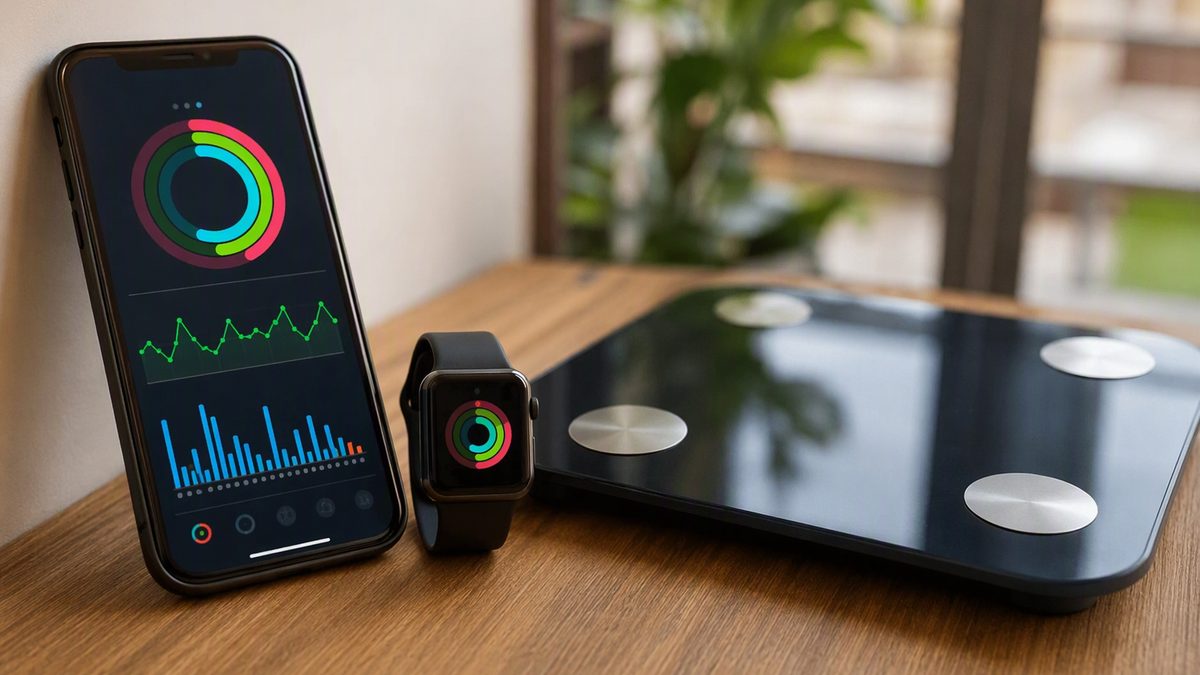
Apple Health is the hub that makes that possible. It's not a sensor — it's an aggregator that collects readings from your iPhone's motion chip, an Apple Watch, your erg or HR strap, and third-party apps into one timeline, then lets approved apps read and write to it. For a rower, the payoff is consolidation: erg pieces, water sessions, lifts, sleep, and recovery metrics in one place, so the week's true load and your readiness are visible at a glance.
Here's where each piece fits in the schedule, which numbers to trust across all that volume, and how to read recovery trends so a brutal week builds you instead of burying you.
1. Where Erg, Water, and Lifting Sessions Land in the Week
Walk through a week and the data has a job in each slot. Steady-state erg and water pieces: log them as workouts so duration, distance, and heart rate land in Health. Interval sessions and the 2K test: same, but lean on a chest strap, since hard surging efforts are exactly where wrist readings drift. Lifting days: log the session, but expect the watch to under-read it — strength work barely moves steps or calories. Steady-state days are where your aerobic heart-rate data is most trustworthy, so that's where it's worth reading.
Around all of it, the recovery read happens at rest: overnight resting HR, HRV, and sleep, captured passively. That separation matters — session data describes the work, overnight data whether you're absorbing it. The reason to integrate this is engagement: self-monitoring is one of the strongest predictors of sticking with a hard plan, and across a 8-to-12-session week, seeing load and recovery in one timeline keeps you from quietly digging a hole. If you're picking an app to read your erg and HR data, our fitness app guide can help you settle on a single source of truth.
2. One Source of Truth Per Metric Across 8-12 Sessions
With this much volume, double-counting is the failure mode that quietly wrecks your data. Here's the plumbing: third-party apps don't talk to each other — they all talk to HealthKit, and Apple Health is the shared exchange. Your erg app, watch, HR strap, and food app each write or read specific types. Permissions are granular and split by direction, so you grant read and write per data type — let an analysis app read your workouts and heart rate without giving it your nutrition.
Now the rule that holds it together: one source of truth per metric. If both your phone and watch log activity, or your erg app and watch both write the same piece, your weekly load inflates and your trends lie — a real risk when you're stacking eight-plus sessions. Apple Health de-duplicates same-type data from its own paired devices, but third-party apps writing overlapping data can still create duplicates, and manually logging a piece an app also auto-detected is a frequent culprit. So designate one source each: the watch (or strap) for heart rate, one app for erg pieces, one scale app for bodyweight, and cut redundant write access. Know the silent-permission quirk too — iOS never tells an app it was denied read access, so a denied read just looks like 'no data'; if a connected app's chart is empty, grant the read types it needs rather than reinstalling. Verify a new link by checking today's session actually appears in the Health app.
3. Which Numbers to Trust Across High Volume
Across that much training, knowing which numbers to trust keeps you from chasing noise. The table sorts a rower's common metrics by reliability, with the practical use for each.
| Metric | Trust level | Rower's use | Caveat |
|---|---|---|---|
| Distance (erg/water) | High | Track session and weekly volume | GPS strays; erg data is cleaner |
| Steady-state HR | Good | Anchor aerobic-effort sessions | Drifts with poor fit, cold, motion |
| Resting HR (overnight) | Good as a trend | Multi-day rise = ease the volume | Read the baseline, not one night |
| HRV (overnight) | Good as a trend | Autoregulate the hard week | Noisy; needs a rolling average |
| Sleep duration | Reliable | Protect it; recovery driver | Stage breakdown is approximate |
| Interval / 2K-test HR | Low (wrist) | Use a chest strap instead | Optical lags hard surges |
| Calories burned | Low | Rough comparison only | Wide error across big volume |
The pattern: distance and steady-state HR anchor your sessions, overnight resting HR and HRV plus sleep are your recovery trends, and the hard-effort wrist HR and calorie figures are the ones to hold loosely — strap up for intervals and the 2K, and don't build diet math on the calorie estimate across all that volume.
4. Reading Recovery Trends to Survive a Brutal Week
This is where the data keeps a high-volume rower in one piece. HRV — the beat-to-beat variation between heartbeats — indexes nervous-system recovery; higher generally means readier, and a drop below your own baseline can flag accumulated fatigue, a rough night, illness, or stress. It's highly individual and noisy, so read it against a personal rolling baseline captured overnight, never against a crewmate or population norm. Resting HR mirrors it — trending down as fitness builds, spiking for several days when the week has outrun your recovery.
Use them to autoregulate. After a 2K test or hard intervals, expect HRV to dip and resting HR to rise for a day or two; if they stay suppressed for several days, soften the next steady-state piece or trim volume rather than grind through. When they rebound, push the harder sessions. HRV-guided adjustment can match or beat a rigid plan in trained athletes, which matters when your week can bury you. Two cautions: in a heavy build, a generally lower baseline is the expected cost of the load, read across weeks rather than panicked over one morning; and keep it simple — one or two metrics read consistently beat a dashboard, and no single day's value should override how the catch and your legs actually feel on the water.
5. Lightweight Cutting, Rib Stress, and the Data's Limits
Two rowing realities sit outside what a watch can manage. The first is lightweight cutting. If you race lightweight, weight-class management is a deliberate, seasonal strategy — not something to autopilot off a calorie number. Read bodyweight only as a weekly trend, and do not use the watch's wide-error calorie estimate to drive a cut; chronic cutting instead of seasonal management is a known trap, and under-fueling a high-volume program erodes the adaptations and recovery your training depends on. If you cut, plan it deliberately and ideally with guidance, and let the recovery trends warn you when the deficit is costing you. Frame fueling as feeding the volume, not starving it.
The second is injury, which the data won't catch. Rib stress injuries are an occupational hazard of rowing volume, and no metric flags them — your HRV can look fine while a rib is failing. Rib or chest pain is a stop-and-assess signal that belongs to a clinician, not a recovery score. More broadly, these are wellness tools, not medical devices: estimated calories, sleep stages, and even heart rate can be wrong, so they never replace clinical judgment, and any consumer ECG or irregular-rhythm alert is a prompt to see a clinician, not a diagnosis. Within those limits, the payoff for a rower is concrete — a true picture of a heavy week's load and recovery in one place, visible enough that you autoregulate intelligently instead of rowing yourself into the ground.
What Rowers Ask About Apple Health Across a High-Volume Week
How do I keep 8-12 sessions a week from double-counting?
Designate one source of truth per metric. Use one app for erg pieces, the watch or strap for heart rate, and one scale app for bodyweight, and cut any redundant write access. Apple Health de-duplicates data from its own paired devices, but third-party apps writing overlapping sessions still create duplicates — and manually logging a piece an app auto-detected is the usual culprit. With this much volume, that discipline is what keeps your weekly load and trends honest rather than inflated.
Should I track recovery on steady-state days too, or just hard sessions?
Track recovery continuously — it's overnight resting HR, HRV, and sleep, captured passively regardless of what you trained that day. Steady-state days are actually where your in-session aerobic heart-rate data is most trustworthy, so they're worth reading. But the recovery trends run every day and matter most after the hard ones. Read them across the whole week, not just around the 2K, so you can autoregulate steady-state volume down when your baselines say you're under-recovered.
Does this help me drop my 2K split?
Indirectly, by managing recovery so your hard work lands. The watch won't lower your split itself, but reading HRV and resting HR as trends helps you hit interval and test days fresh rather than flat, which is when fast pieces happen. Use a chest strap for the 2K and intervals, since wrist HR drifts during hard surges. The split comes from training quality and recovery; the data's job is keeping that recovery visible across a punishing week.
How should lightweights handle bodyweight tracking?
As a weekly trend, and as input to a deliberate seasonal plan — never as a daily target driven by the watch's calorie number, which carries wide error. Chronic cutting instead of seasonal management is a known trap, and under-fueling a high-volume program erodes the recovery your training needs. Plan any cut deliberately, ideally with guidance, and let your recovery trends flag when the deficit is costing you. Fuel the volume first; manage the class second.
Disclaimer: This article is for educational purposes only and is not medical advice. Consult a qualified healthcare professional before starting any supplement, nutrition, or training protocol — especially if you are pregnant or breastfeeding, under 18, taking medication, or managing a health condition.
Scientific References & Clinical Sources
- Düking P, et al. Criterion-Validity of Commercially Available Physical Activity Tracker to Estimate Step Count, Covered Distance and Energy Expenditure during Sports Conditions. Front Physiol, 2017. PMID: 29018355
- Peake JM, et al. A Critical Review of Consumer Wearables, Mobile Applications, and Equipment for Providing Biofeedback, Monitoring Stress, and Sleep in Physically Active Populations. Front Physiol, 2018. PMID: 30002629
- Plews DJ, et al. Training adaptation and heart rate variability in elite endurance athletes: opening the door to effective monitoring. Sports Med, 2013. PMID: 23852425
- Kiviniemi AM, et al. Daily exercise prescription on the basis of HR variability among men and women. Int J Sports Med, 2007. PMID: 17345075
- Schoeppe S, et al. Efficacy of interventions that use apps to improve diet, physical activity and sedentary behaviour: a systematic review. Int J Behav Nutr Phys Act, 2016. PMID: 27927218
UltraFit360 brings your workouts, nutrition and wearable data together. See how the AI fitness tracker works with Apple Health and Health Connect.