💡 Quick Answer
Yes: Oura syncs with Apple Health on iPhone and Health Connect on Android, in both directions, and HRV is exported to Health Connect but is not on Oura's Apple Health list.
- Turn it on: Oura app → menu → Settings → Data sharing → Apple Health (iPhone) or Health Connect (Android).
- Syncs out: sleep with stages, heart rate, steps, active calories, workouts and weight.
- Does not sync out: Oura's own scores and temperature data are not listed by Oura.
- Requirement: Gen2, or Gen3 or later with an active membership; open both apps at least once a day.
Oura documents each connection on its own page, and the lists differ in several places, which is why the question of what Oura shares with Apple Health has a different answer from the Health Connect one. This guide follows both pages. For how Oura compares with another wearable, see WHOOP vs Oura Ring; for rings in general, see the smart rings guide.
What Oura Shares With Apple Health and Health Connect
Oura says Apple Health updates appear after an activity or workout has been completed. The table shows data exported from Oura.
| Data type | To Apple Health | To Health Connect | Notes |
|---|---|---|---|
| Steps | ✓ Steps | ✓ Steps | Apple Health: steps in Oura do not move the Stand Ring, an Apple limitation. |
| Distance | Not listed by Oura | ✓ Distance | |
| Active calories | ✓ Active Energy (activity burn, excluding BMR) | ✓ Active calories burned | Oura records only active calories, not basal metabolic rate. |
| Workouts | ✓ Workouts and Workout Routes | ✓ Exercise | Apple Health workouts: manually added, recorded through Activity Heart Rate, or added with Automatic Activity Detection. |
| Heart rate | ✓ Heart Rate (one-minute intervals) | ✓ Heart rate | |
| Resting heart rate | Not listed by Oura | Not listed by Oura | |
| HRV | Not listed by Oura | ✓ Heart rate variability | |
| Sleep and sleep stages | ✓ Sleep: duration, start and end time, stages | ✓ Sleep | Oura lists the Health Connect sleep category without itemizing it. |
| SpO2 | Not listed by Oura | Not listed by Oura | |
| Respiratory rate | ✓ Respiratory Rate (average nighttime) | Not listed by Oura | |
| Skin / body temperature | Not listed by Oura | Not listed by Oura | |
| Weight and body composition | ✓ Weight and Height | ✓ Weight and Height | Body Fat Percentage and Lean Body Mass are imported from Apple Health, not exported. |
| Mindful minutes | ✓ Mindful Minutes | Not listed by Oura | Turned on with "Save Mindful Minutes to Health". |
| Cycle tracking | Not listed by Oura | Not listed by Oura | |
| Oura's own scores | Not listed by Oura | Not listed by Oura | No Oura score appears on either export list. |
How to Connect Oura to Apple Health
As of October 2026, Oura lists Apple Health integration as available for Gen2, and Gen3 or later with an active membership, on iOS only. In the Oura app:
- Tap the menu in the upper-left corner of the Oura app's home screen.
- Tap Settings.
- Under "Data sharing," tap Apple Health.
- Enable Connect to Health and Save Mindful Minutes to Health.
To adjust categories afterwards, open Apple Health, tap your profile picture in the upper-right corner, select Apps under "Privacy", choose Oura and pick the categories to share. Oura also shows the path Settings → Health → Data Access & Devices → Oura.
How to Connect Oura to Health Connect
Oura lists the integration for Gen2, and Gen3 or later with an active membership, on Android only. Health Connect is built into Android 14 and later; on Android 13 and lower it is a separate app. Oura prompts to download it if it is missing. In the Oura app:
- Go to the menu in the upper left-hand corner of the home screen.
- Tap Settings.
- Under "Data Sharing," tap Health Connect.
- If Health Connect is not installed, follow the prompt to download and install it.
- Use the toggles to select which data to share between Oura and Health Connect.
Permissions can be changed later under Settings → Data Sharing → Health Connect → Open Health Connect.
Does Oura Read Data From Apple Health or Health Connect?
Yes, Oura imports data from both:
- From Apple Health: Active Energy, Blood Pressure, Body Fat Percentage, Cardio Fitness, Date of Birth, Heart Rate, Height, Lean Body Mass, Respiratory Rate, Resting Energy, Sex, Sleep, Steps, Weight, Workout Routes and Workouts.
- From Health Connect: active calories burned, distance, exercise, power, steps, total calories burned, VO2 max, weight, blood pressure and heart rate.
Once linked, height, weight, age and sex come from those apps and cannot be edited in Oura unless the apps are unlinked.
What Stays Inside the Oura App
Neither Oura page lists its daily scores, so they remain in the app. Temperature data, SpO2 and resting heart rate are also not listed by Oura for either platform. HRV is the notable split: Oura lists heart rate variability among data exported to Health Connect but does not list it for Apple Health. Oura records only active calories, so other trackers that add basal metabolic rate can show higher totals. See the HRV monitoring guide for what the measurement means.
Why Your Numbers Don't Match
- Both apps must be opened. Oura says data may not import if both apps were not opened before midnight, if Background App Refresh is disabled or if Low Power Mode is on. Open both at least once a day.
- Graphs look different. Apple may round values or use different time intervals, so sleep stages and heart rate graphs can differ from the Oura app.
- Steps double counted. In Apple Health, open Browse → Activity → Steps → Data Sources & Access → Edit and drag Oura to the top. If it persists, switch off "Steps" under Settings → Health → Data Access & Devices → Oura → Allow "Oura" to Write.
- Step definitions vary. Other trackers may use a different threshold for what counts as activity.
- Health Connect priority. Where several apps write the same type, Health Connect gives priority to the app higher on the list under Manage Data → Data sources and priority.
Also see the guides for WHOOP, Garmin and Fitbit and Pixel Watch, and the sleep tracker comparison.
Frequently Asked Questions
What data does Oura share with Apple Health?
Oura exports active energy, heart rate in one-minute intervals, height, mindful minutes, average nighttime respiratory rate, sleep with duration, start and end times and stages, steps, weight, workout routes and workouts to Apple Health. It imports a longer list, including blood pressure, cardio fitness, body fat percentage and resting energy.
Does Oura sync HRV to Apple Health?
HRV is not on Oura's list of data exported to Apple Health. It is listed for Health Connect, where Oura exports heart rate variability along with heart rate on Android.
How do I connect Oura to Health Connect?
Open the Oura app, tap the menu in the upper left, tap Settings, and under Data Sharing tap Health Connect. Install Health Connect if prompted, then use the toggles to choose which data to share. Health Connect is built into Android 14 and later.
Do I need an Oura membership to sync with Apple Health?
Oura lists Apple Health integration as available for Gen2 rings, and for Gen3 or later with an active membership. Health Connect has the same requirement and works on Android only, while Apple Health works on iOS only.
Why is my Oura data missing or different in Apple Health?
Oura says data may not import if both apps were not opened before midnight, if Background App Refresh is off or if Low Power Mode is on. Sleep stage and heart rate graphs can also look different because Apple may round values or use different time intervals.
Using Oura Data in UltraFit360
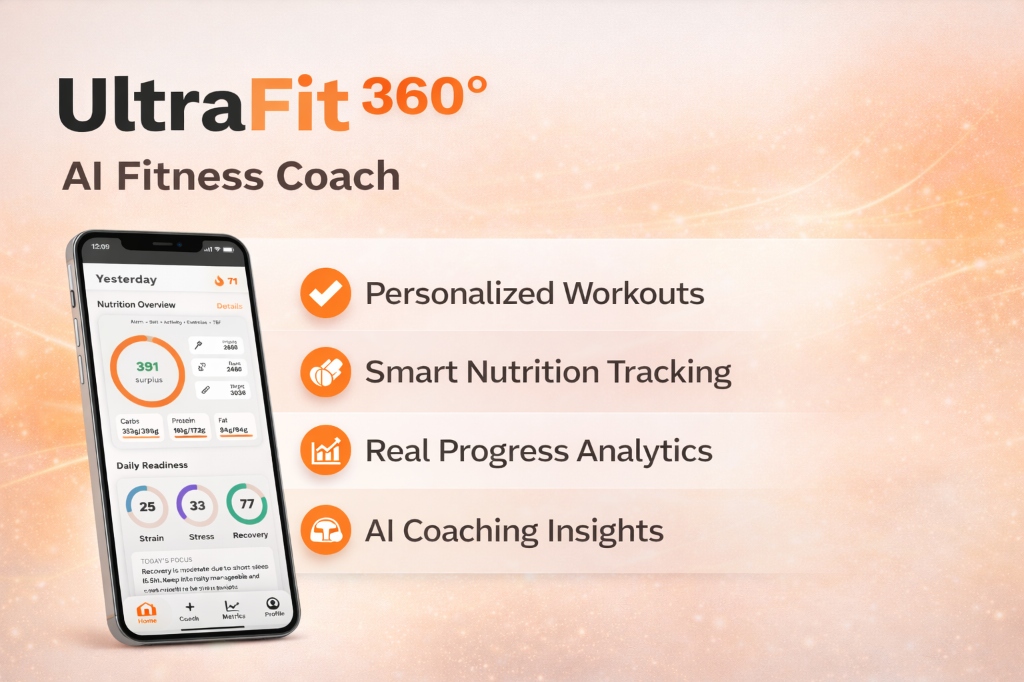
UltraFit360 reads from Apple Health and Health Connect, so whatever Oura writes there becomes available to it once you grant permission. From Oura's lists, that means steps, active calories, heart rate, sleep and workouts, plus weight, and HRV on Android through Health Connect.
UltraFit360 has no direct Oura integration; the data travels through the platform you choose. See the AI fitness tracker page for how synced data is used, or browse the features.
Sources
- Oura Support: Apple Health Integration — checked on October 9, 2026
- Oura Support: Health Connect by Android Integration — checked on October 9, 2026
- Android Help: Get started with Health Connect — checked on October 9, 2026
- Android Help: Manage your Health Connect data — checked on October 9, 2026
- Apple Support: Manage Health data on your iPhone, iPad, or Apple Watch — checked on October 9, 2026
UltraFit360 brings your workouts, nutrition and wearable data together. See how the AI fitness tracker works with Apple Health and Health Connect.
Connect Your Health Data to AI Coaching
Sync Apple Health or Health Connect with UltraFit360 — get SSR scores, recovery insights, and weekly reports.